Best IPTV for Smart TV: Samsung, LG, Google TV & More (2026)
Every smart TV brand runs a different operating system, and the right IPTV app depends on which one sits inside yours. This guide maps the exact path for Tizen, webOS, Google TV, Roku OS, and SmartCast.
- 22,000+ live channels on the TV you already own
- App paths for Samsung, LG, Sony, TCL, Hisense, Vizio
- 24-hour free trial to prove it on your screen
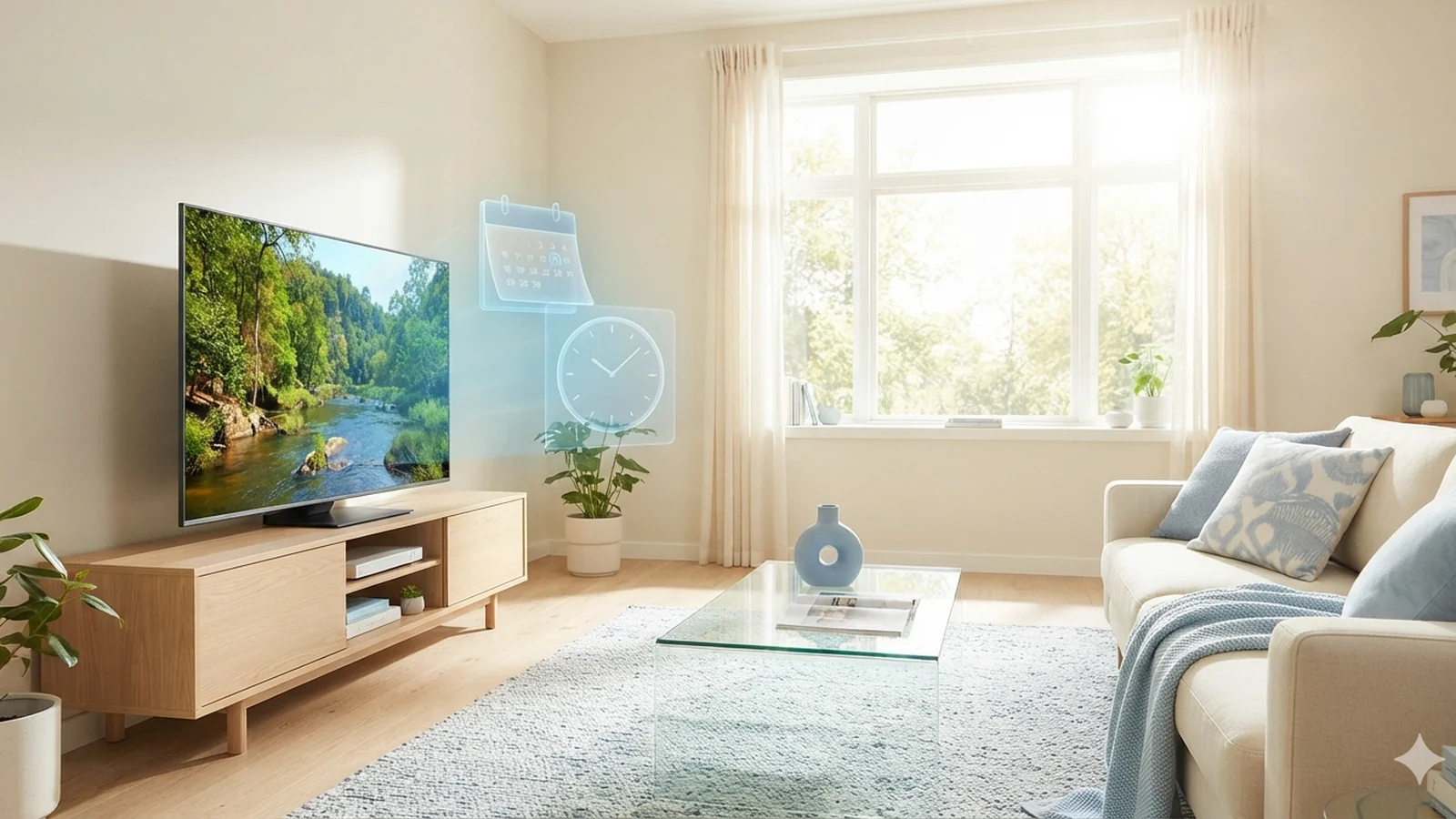
The best IPTV for smart TV depends less on the brand on the bezel and more on the operating system behind it. A Samsung on Tizen, an LG on webOS, and a TCL on Google TV all install IPTV apps differently — and one of them (Vizio SmartCast) barely installs anything at all. This guide walks through each platform in 2026: which players are actually in each app store, how to load your Watchit subscription into them, and when a $25 streaming stick honestly beats your TV's built-in software.
One Subscription, Every Smart TV Operating System
Watchit delivers standard Xtream Codes and M3U credentials, which means it plugs into whichever IPTV player your TV's app store carries — Tizen, webOS, Google TV, Roku OS, or Fire TV.
Brand-Agnostic Credentials
Your Watchit login uses the Xtream Codes API standard, so the same username, password, and server URL work across Tizen, webOS, and Google TV players.
Anti-Freeze Servers for TV Hardware
Smart TV processors are weaker than phones, so stability matters more. Watchit's anti-freeze infrastructure keeps live channels steady even on mid-range Tizen or webOS chipsets.
80,000+ Movies and Series in the Same App
Live channels, VOD movies, and full series load into one interface with poster art, so your smart TV app feels like a mainstream streaming layout rather than a raw playlist.
EPG That Fills Your TV Guide
Watchit ships a working electronic program guide feed, so players on Samsung, LG, and Google TV display now-and-next data instead of a blank grid.
Setup Help on WhatsApp, 24/7
Stuck on a webOS store search or a Tizen login screen? Support answers around the clock on WhatsApp and walks you through your exact TV model.
How to Set Up Watchit on Your Smart TV (Step-by-Step by OS)
No technical skills needed. Pick a plan, receive your login credentials by email, and start watching on any device.
Samsung Tizen: install a Smarters-family player
Press Home, open Apps, and search for IPTV Smarters Player or a comparable Smarters-family app. Open it, choose Xtream Codes API login, and enter the server URL, username, and password from your Watchit activation message. Channels, VOD, and the EPG populate within about a minute.
LG webOS: same flow through the LG Content Store
Open the LG Content Store, search the IPTV category, and install an Xtream-compatible player such as IPTV Smarters Player if listed for your region. Log in with the same credentials — LG needs nothing different from Samsung.
Google TV and Chromecast: use full Android apps
On Sony, TCL, Hisense Google TV models, or a Chromecast with Google TV, open the Play Store and install TiviMate, IPTV Smarters Pro, or Televizo. These Android players beat any Tizen or webOS app on EPG layouts and multi-view.
Vizio SmartCast: cast or add a stick
SmartCast has no third-party IPTV apps, so either cast from IPTV Smarters Pro on your phone via the built-in Chromecast receiver, or plug a Fire TV Stick or Chromecast with Google TV into an HDMI port and follow the Android steps above.
Verify with the 24-hour trial first
Before paying, request the free trial on WhatsApp and run this exact setup on your own TV. If channel zapping, 4K playback, and the guide all behave for a full evening, the pairing works — before you spend $25.
Why Smart TV Owners Pick Watchit
Most IPTV disappointment on smart TVs comes from services that only test on Android boxes. Watchit is verified against Tizen, webOS, and Google TV players, and support has walked through every major US TV brand sold since 2019.
- Xtream Codes and M3U formats accepted by every mainstream TV player
- 4K and FHD streams where available, tuned for TV-grade hardware decoding
- EPG feed that populates guides on Tizen, webOS, and Android players
- 24-hour free trial tested on your actual living-room screen
- Plans from $25 for 3 months — less than most single streaming apps
- 24/7 WhatsApp support that knows model-specific quirks

See Watchit Running on Your Exact TV Model
Skip the guesswork — request the 24-hour free trial on WhatsApp, install the app that matches your TV's operating system, and watch 22,000+ channels on your own screen tonight.
Smart TV Brands Ranked for IPTV in 2026
| Features | Criteria | Sony / TCL / Hisense (Google TV) | Samsung (Tizen) | LG (webOS) | Vizio (SmartCast) |
|---|---|---|---|---|---|
| IPTV app selection | Full Play Store: TiviMate, Smarters Pro, Televizo | Smarters-family players in Samsung store | Smarters-family players in LG Content Store | None — casting only | |
| EPG and player features | Best: multi-view, catch-up UIs, custom guides | Good basic guide and VOD | Good basic guide and VOD | Depends on phone app used to cast | |
| Sideloading possible | Yes, standard Android APKs | No practical route | No practical route | No | |
| External player support | Yes (ExoPlayer, VLC integration) | Built-in player only | Built-in player only | N/A | |
| Verdict for IPTV | 1st — buy these for IPTV | 2nd — solid with store apps | 3rd — close behind Samsung | 4th — add a $25 stick |
Choose Your IPTV Plan
Simple, transparent pricing. Every plan includes the full channel lineup, the VOD library, and 24/7 support. Cancel anytime.
3 Months
The easy way to try premium IPTV without a long commitment.
$45 Save 44%
Get 3 Months- 22,000+ live channels
- 80,000+ movies & series (VOD)
- Full HD and 4K where available
- Works on 1 device at a time
- Anti-freeze servers and EPG guide
- 24/7 support on WhatsApp
6 Months
The balanced pick if you watch TV every day.
$80 Save 44%
Get 6 Months- Everything in the 3-month plan
- Priority anti-buffering streams
- Premium channels in 4K and Full HD
- Works on 1 device at a time
- Free updates and catch-up TV
- Fast 24/7 support
12 Months
The lowest monthly price. Our most popular plan.
$140 Save 50%
Get 12 Months- Everything in the 6-month plan
- The lowest price per month
- 22,000+ channels in 4K/FHD
- Premium anti-freeze network
- Multi-device ready
- VIP priority 24/7 support
Still not sure? Start a free trial before you buy.
IPTV on Smart TVs: What Works on Each Brand in 2026
Roughly three out of four TVs sold in the US are smart TVs, yet the IPTV experience across them is wildly uneven. The variable is the operating system: Samsung builds Tizen, LG builds webOS, Sony and most TCL and Hisense models ship Google TV, some TCL and Hisense units run Roku OS or Fire TV, and Vizio uses its own SmartCast platform. Each OS has its own app store, approval rules, and list of available IPTV players.
The practical result in 2026: Google TV sets install the same full-featured Android players you would use on a streaming box, Tizen and webOS depend on a smaller pool of store-approved apps — mostly the Smarters family — and Roku OS and SmartCast sit at the restrictive end, where casting or external hardware becomes the honest recommendation. Watchit works on all of them because it hands you standard IPTV subscription credentials rather than locking you into one proprietary app.
Smart TV Operating Systems Explained (Tizen, webOS, Google TV, Roku OS, Fire TV)
The five platforms in two minutes:
- Tizen (Samsung): Samsung's in-house OS since 2015. Apps come only from the Samsung app store — no practical sideloading on consumer sets — so IPTV access depends on which players Samsung has approved at any given time.
- webOS (LG): Structurally the same: a curated LG Content Store, no APK installs, and a rotating selection of Xtream-compatible players.
- Google TV / Android TV (Sony, TCL, Hisense, Philips): A full Android environment with the Play Store plus developer-mode sideloading — the most open TV platform on the market and the reason those brands top the ranking below.
- Roku OS (some TCL, Hisense, Onn): A closed channel store with limited IPTV options; most Roku owners end up casting or screen-mirroring, as covered in our Roku IPTV guide.
- Fire TV built-in (some TCL, Insignia, Toshiba): Amazon's Android fork with the Amazon Appstore and easy sideloading — functionally similar freedom to Google TV.
To identify yours, press Home: a tile ribbon along the bottom is Tizen or webOS, a full-screen grid with a Google search bar is Google TV, and purple accents mean Roku.
Best IPTV Apps for Samsung TVs (Tizen)
Samsung sells more TVs in the US than any other brand, and Tizen handles IPTV competently as long as you know its boundaries. At the time of writing, the strongest option in the Samsung app store is IPTV Smarters Player, which supports Xtream Codes API login, a grid-style EPG, VOD posters, and multi-playlist management. Alternatives that appear periodically include Flix IPTV, Smart IPTV (SIPTV), and Duplex Play — the latter two use MAC-address activation through a website rather than a direct login, and some charge a one-time app fee around $6 to $8 after a trial week.
Store availability genuinely changes: Samsung has removed and reinstated IPTV players before, so treat any list as a snapshot. The workflow stays constant: install the player, pick Xtream login, and enter the credentials from your Watchit welcome message. On 2020-or-newer models, 4K streams decode smoothly in hardware; if yours is from 2017 or earlier, app support is thinning and a streaming stick (covered below) becomes the better investment. For player comparisons beyond Tizen, see our roundup of the best IPTV players.
Best IPTV Apps for LG TVs (webOS)
LG's webOS mirrors the Samsung situation with different shelving. The LG Content Store carries IPTV Smarters Player for webOS at the time of writing, plus MAC-based options like Smart IPTV, Flix IPTV, and Net IPTV depending on region. A 2019-or-newer LG (webOS 4.5 and up) sees the current store catalog; older sets on webOS 3.x lose listings each year as developers drop legacy support.
A few webOS-specific notes:
- The Magic Remote helps. Pointer-based navigation makes typing a server URL far faster than d-pad hunting.
- MAC-activated apps need one extra step. Apps like Smart IPTV display a MAC address on first launch; you upload your Watchit M3U link to the app's website against that MAC, then restart the app. Support sends the correct M3U format on request.
- Region matters. The US and European stores carry different IPTV listings; if a friend abroad recommends an app you cannot find, that is usually why.
LG's a7/a9 processors handle FHD zapping without stutter, and OLED motion handling makes live sports look particularly clean. If the store search comes up empty on your model, message support on WhatsApp with your model number — they track which players are live in the US store each month.
Best IPTV Apps for Google TV and Chromecast
If your TV runs Google TV — or you own a Chromecast with Google TV (4K or HD) — you have the best IPTV app selection of any platform, full stop. The Play Store carries genuine Android players, and you can sideload anything it lacks.
- TiviMate — the enthusiast favorite. Its multi-column EPG, favorites, catch-up, and recording (premium runs about $10/year for one device) make it the app most Google TV users settle on permanently.
- IPTV Smarters Pro — the most polished all-rounder, with a Netflix-style shelf that makes Watchit's 80,000+ movies and series browsable by poster. Our full IPTV Smarters Pro guide covers every setting.
- Televizo — lightweight and fast, ideal for the HD Chromecast's modest 1.5 GB of RAM.
- OTT Navigator — deeply customizable layouts for people who want to redesign the guide entirely.
All four accept the same Xtream Codes login Watchit issues. On a Chromecast, the 4K model is worth the roughly $20 premium over the HD if you plan to use 4K streams. Because these are full Android apps, features Tizen and webOS players lack — external players, per-channel aspect ratio, sleep timers, picture-in-picture — all work here. The same app family is covered in our Android IPTV guide, so skills transfer directly to phones and boxes.
IPTV on Sony, TCL, Hisense, and Vizio TVs
These four brands confuse buyers because the badge on the TV tells you nothing about the software inside. Here is the 2026 breakdown.
Sony: Every current Bravia ships with Google TV. Follow the section above — install TiviMate or IPTV Smarters Pro and log in. Sony's X1 and Cognitive XR processors are among the strongest in any TV, so heavy EPGs scroll without lag.
TCL: Split personality. TCL sells Google TV models (Q-class and most 2023+ sets), Roku TV models, and some Fire TV models — check Settings, then About, to confirm which you own. Google TV units get the full Android treatment; Roku units are limited to casting; Fire TV units use the Amazon Appstore, and everything in our Firestick IPTV guide applies.
Hisense: Same split — most current US sets run Google TV or Fire TV, older U-series units ran Android TV (still Play Store compatible), and some budget lines run Roku OS or Vidaa. Vidaa models have very limited player options, so treat them like Vizio below.
Vizio: SmartCast is the most restricted platform here, with no third-party IPTV app store and little prospect of one. The two honest routes: cast from IPTV Smarters Pro on your phone using SmartCast's built-in Chromecast receiver — workable for casual viewing, but the phone must stay on — or spend $25 to $50 on a Fire TV Stick or Chromecast with Google TV, which permanently upgrades the Vizio into a first-class IPTV screen.
Which Smart TV Is Best for IPTV? Honest Brand Ranking
If you are buying a TV with IPTV as a priority, rank by operating system openness, app store depth, and hardware.
1. Sony, TCL, and Hisense Google TV models. Full Play Store access, sideloading, external player support, and apps like TiviMate that outclass anything on Tizen or webOS. Sony offers the strongest processors, while TCL and Hisense deliver 90 percent of the experience at roughly half the price — a 55-inch TCL Google TV set regularly sells under $350.
2. Samsung (Tizen). Excellent panels, and the Smarters-family apps cover live TV, VOD, and EPG needs well. It loses to Google TV purely on app depth and the inability to sideload.
3. LG (webOS). Functionally tied with Samsung; it ranks a notch lower only because the US Content Store's IPTV shelf has historically been slightly thinner. OLED picture quality is a genuine plus for sports.
4. Vizio (SmartCast). Fine televisions, but for IPTV you are buying a display plus a mandatory streaming stick. Budget accordingly.
One reassurance: because your Watchit plan uses standard credentials, switching TV brands later never means repurchasing your subscription.
Watchit on Any Smart TV: One Subscription, Every Brand
Everything above converges on one architectural point: Watchit is deliberately app-agnostic. Your subscription is a set of Xtream Codes API credentials (server URL, username, password) plus an M3U playlist link on request, and any compliant player — on Tizen, webOS, Google TV, or a phone casting to SmartCast — accepts them identically.
What loads is the same on every brand: 22,000+ live channels spanning news, sports, movies, entertainment, kids, and international categories; 80,000+ movies and series on demand; 4K and FHD quality where available; and an EPG feed that fills the guide with real program data. Anti-freeze server infrastructure matters disproportionately on smart TVs, whose network stacks and decoders are weaker than a phone's.
Two honest constraints to plan around. First, standard plans run on one device at a time: your TV and your phone cannot stream simultaneously on a $25, $45, or $70 plan. Households that want several screens running at once should look at the Multi-Screen plan — $140 for 12 months with 3 simultaneous screens, detailed on our multi-connection page. Second, app store availability on Tizen and webOS shifts over time; Watchit support tracks it so you do not have to.
Choosing the Right Player Settings for Your TV
Once the app is logged in, five settings determine whether your smart TV experience feels premium or clunky — they apply across Tizen, webOS, and Google TV players alike.
- Stream format: Prefer MPEG-TS for live channels on TV hardware; it starts faster on channel zaps. HLS can be more stable on weak Wi-Fi but adds one to three seconds per channel change.
- Decoder: On Android players, hardware decoding should be the default. Only switch a specific channel to software decoding if you see audio drift or green artifacts there.
- EPG refresh: Set the guide to update once daily, ideally overnight. Hourly refreshes on a 22,000-channel lineup waste TV memory for no benefit.
- Buffer size: If evening viewing stutters, raise the buffer to 3 to 5 seconds before blaming the service — TV Wi-Fi radios are usually the bottleneck.
- Connection type: Ethernet beats Wi-Fi on every TV that has a port. Plan on 25 Mbps sustained for 4K, 10 Mbps for FHD.
Ten minutes spent here typically eliminates the complaints people wrongly attribute to their provider.
When a $25 Streaming Stick Beats Your TV's Built-In Apps
Recommending extra hardware on a smart TV page sounds contradictory, so here are the cases where it is simply the correct call.
- Your TV is a Vizio, a Roku TV, or a Vidaa Hisense. These platforms lack proper IPTV players. A Fire TV Stick HD at about $25 to $30, or a Chromecast with Google TV, instantly unlocks the full Android app catalog.
- Your Samsung or LG predates 2018. App stores have largely stopped serving these models; a stick costs less than one month of cable and outperforms the aging built-in silicon.
- You want TiviMate specifically. Its guide, favorites, and recording features exist only on Android.
- Your TV's app keeps crashing. Some Tizen and webOS builds are memory-starved on budget panels; dedicated stick hardware ends the crash loop permanently.
The math is friendly: a one-time $25 to $50 stick plus a Watchit plan starting at $25 for 3 months still undercuts a single month of a mid-tier cable package, which averaged over $100 in 2025. If you go this route, our guide to the best IPTV boxes and sticks compares current hardware in detail — and whichever you choose, run the free trial on it first.
Fixing Smart TV IPTV Problems (App Crashes, Buffering, EPG Gaps)
Smart TV issues cluster into three families, each with a known fix order.
App crashes or freezes at launch. On Tizen: Settings, Support, Device Care, Manage Storage, then clear the player's cache. On webOS: quit the app from the recent-apps ribbon and relaunch; if it persists, reinstall from the Content Store. On Google TV: Settings, Apps, select the player, Clear Cache first, Clear Data second (you will re-enter your login). Crashes that survive all three steps usually mean an underpowered TV — see the streaming stick section above.
Buffering during prime time. Work through the chain: run the TV's built-in speed test, move to Ethernet if possible, raise the player buffer, then restart your router. If only specific channels buffer while others stream cleanly, report those channel names to support on WhatsApp — server-side rebalancing fixes what your settings cannot.
EPG gaps or a blank guide. Force a guide refresh inside the player, confirm the EPG URL field is populated — MAC-activated apps sometimes need the EPG link added separately on their activation site — and check the TV's clock: a wrong time zone shifts every listing by hours and looks like corrupt data.
If a problem outlasts fifteen minutes of this checklist, message support with your TV model and app name — model-specific fixes are their daily routine on WhatsApp, around the clock.
Smart TV IPTV vs Cable: What You Actually Save
The financial case for running IPTV on the TV you already own is blunt. The average US cable bill passed $100 per month in 2025 before equipment rental fees, which add roughly $10 to $15 per box. A Watchit 12-month plan costs $70 — about $5.83 per month — on hardware you have already paid for. Over a year, a single-TV household drops from roughly $1,300 in cable spend to $70, keeping the same screen and remote habits.
| Cost item | Typical cable (yearly) | Watchit on your smart TV (yearly) |
|---|---|---|
| Service subscription | $1,200+ | $70 (12-month plan) |
| Equipment rental | $120-$180 per box | $0 (built-in app) or one-time $25-$50 stick |
| Multi-room viewing | Extra box fees per room | $140/year Multi-Screen, 3 simultaneous screens |
| Contract | Often 12-24 months with ETFs | Prepaid terms, no auto-lock-in |
Channel breadth moves the same direction: 22,000+ live channels versus a few hundred on a typical cable tier, plus an on-demand library of 80,000+ titles included rather than sold as add-ons. The one discipline IPTV asks is a solid internet connection — which you almost certainly already have.
Your Smart TV Is Already the Hardware — Add the Service
Whether you run Tizen, webOS, or Google TV, the same Watchit login unlocks live channels, 80,000+ on-demand titles, and a working guide. Plans start at $25 for 3 months.
Frequently Asked Questions
Everything you need to know before you subscribe. Still have questions? Our support team is available 24/7.
Related IPTV guides and plans
Try Watchit on Your Smart TV: 24-Hour Free Trial and Plans
Prove it on your living-room screen first. Request the free trial on WhatsApp, then pick 3 months for $25, 12 months for $70, or Multi-Screen at $140 for three simultaneous TVs. Support answers 24/7 during setup.