Last updated July 11, 2026
IPTV subscription built for the USA —
22,000+ channels and 80,000+ movies in 4K
Watchit is the premium IPTV service for American viewers: 22,000+ live channels and 80,000+ movies and series in 4K/FHD on anti-freeze servers. Instant activation, 24/7 support via WhatsApp — from just $25.
- No contracts
- Instant setup
- 24-hour free trial
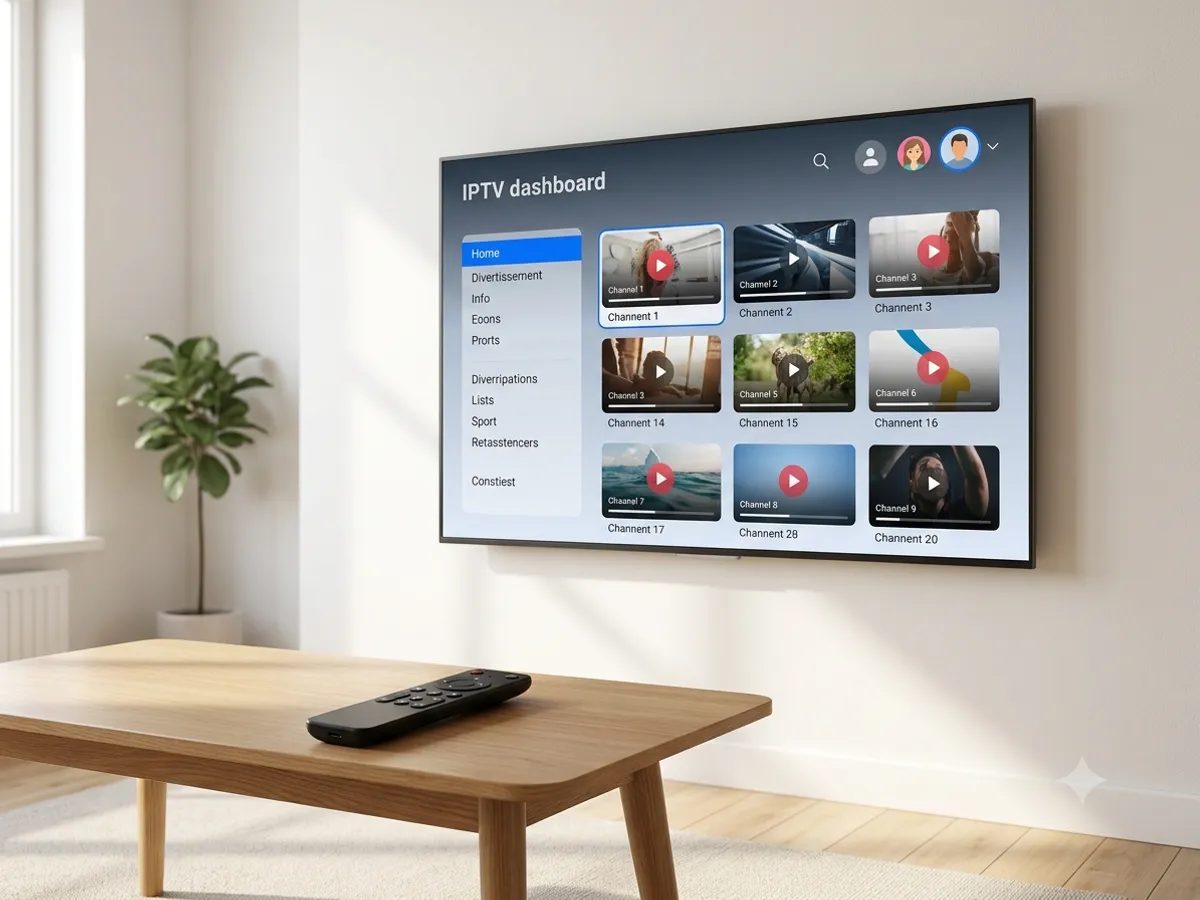
Everything you expect from a premium IPTV service in the USA
We built Watchit to be simple — tons of content, stable streaming and a setup so easy anyone can do it.
22,000+ live channels
News, sports, movies, kids and entertainment — 22,000 channels from 40 countries, organized by category. No dead URLs padding the count.
80,000+ movies and series
An always up-to-date on-demand library (VOD) with the latest releases, complete series and classics ready to watch.
Buffer-free 4K streaming
Premium servers with load balancing for smooth 4K and Full HD playback without interruptions, even during big live games.
Network with 99.9% uptime
When a server gets overloaded, the stream switches to another one in under a second. Failover is automatic — no loading spinner.
Instant activation
Pay securely and receive your access credentials by email within minutes. No contracts, no hidden fees.
24/7 support via WhatsApp
Real people on WhatsApp and email, ready to help you set up any device, at any hour.
Ready to watch in 3 simple steps
No technical skills needed. Pick a plan, receive your login credentials by email, and start watching on any device.
Choose your plan
Pick the 3, 6 or 12-month Watchit IPTV subscription. Every plan unlocks the full channel list and the VOD library.
Get instant access
Complete the secure checkout and receive your credentials by email within minutes.
Start watching
Set up TiviMate or IPTV Smarters with the credentials you received. Within 60 seconds, the channel guide and the VOD catalog are ready.
Never miss a game again
Follow every league, race and fight in real time with Watchit IPTV. From pro football and basketball to soccer, motorsports and MMA — all the action in HD and 4K without buffering.
- Football, basketball, baseball, soccer, motorsports and fight nights
- Major PPV events included in most channel lineups
- Multi-language commentary and full replays

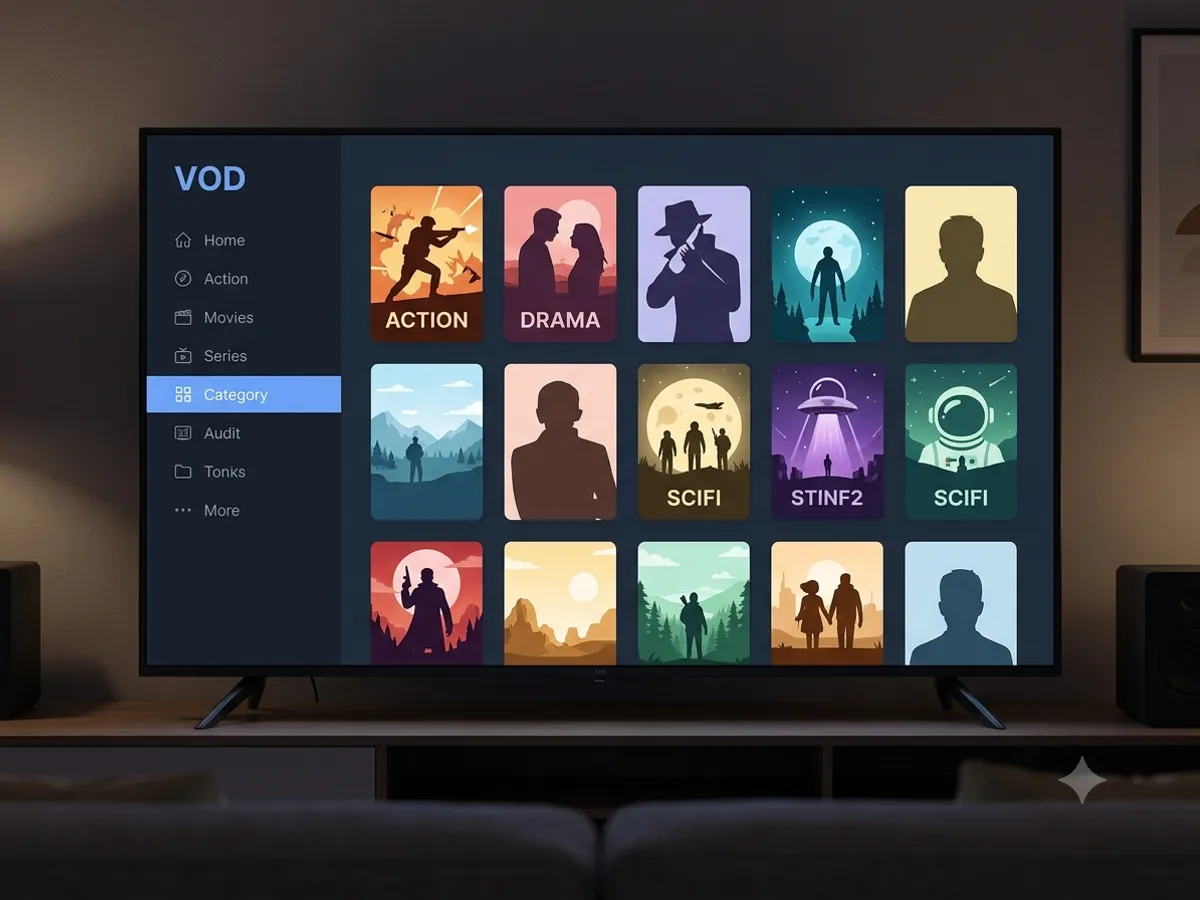
80,000 titles — no ads, no waitlist
Complete series with no missing seasons. Movies pulled from streaming platforms, still available here. Catalog updated every week, with no territory restrictions.
- More than 80,000 on-demand movies and series
- New titles added every week — including recent releases
- Audio and subtitles in multiple languages
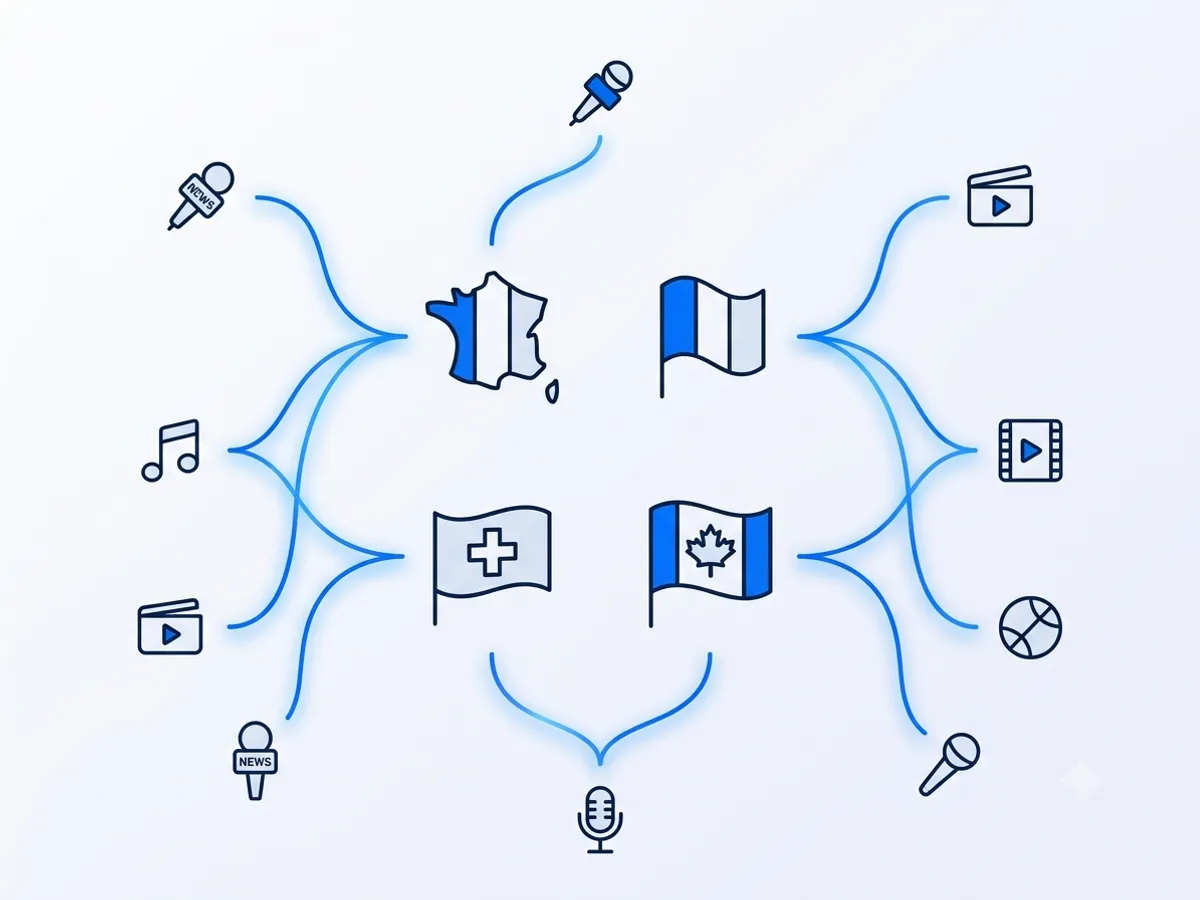
USA, Latin America, Europe, Middle East, Asia — 40 countries in one plan
Perfect for multicultural households: Spanish-language channels, Arabic-language lineups, European and Asian channels, plus international sports coverage so you never miss a competition. One login for the whole family.
- Spanish-language channels from Latin America and Spain
- Arabic, European, Asian and African channel lineups
- English EPG with 7 days of program listings in advance
Works on All Your Devices
One subscription, every screen. Set up IPTV on the devices you already own — no extra equipment needed.
Choose Your IPTV Plan
Simple, transparent pricing. Every plan includes the full channel lineup, the VOD library, and 24/7 support. Cancel anytime.
3 Months
The easy way to try premium IPTV without a long commitment.
$45 Save 44%
Get 3 Months- 22,000+ live channels
- 80,000+ movies & series (VOD)
- Full HD and 4K where available
- Works on 1 device at a time
- Anti-freeze servers and EPG guide
- 24/7 support on WhatsApp
6 Months
The balanced pick if you watch TV every day.
$80 Save 44%
Get 6 Months- Everything in the 3-month plan
- Priority anti-buffering streams
- Premium channels in 4K and Full HD
- Works on 1 device at a time
- Free updates and catch-up TV
- Fast 24/7 support
12 Months
The lowest monthly price. Our most popular plan.
$140 Save 50%
Get 12 Months- Everything in the 6-month plan
- The lowest price per month
- 22,000+ channels in 4K/FHD
- Premium anti-freeze network
- Multi-device ready
- VIP priority 24/7 support
Multi-Screen
Watch on several devices at the same time.
$280 Save 50%
Get Multi-Screen- Everything in the 12-month plan
- Watch on 3 screens simultaneously
- One login for the whole household
- 22,000+ channels and full VOD library
- Stable 4K on every screen
- VIP priority 24/7 support
Still not sure? Start a free trial before you buy.
Premium IPTV built for streaming across the USA
What you get when you switch to premium IPTV with Watchit.
“Cut the cord without losing anything. Stream live sports, news, and entertainment in 4K/FHD, and set up on a Fire Stick in about five minutes.”
“The Multi-Screen plan covers 3 screens at once — the kids can watch cartoons while you enjoy a movie. One subscription for the entire home.”
“A huge VOD library that's constantly refreshed, plus 24/7 support on WhatsApp that responds in minutes. Try everything free for 24 hours.”
No freezing in the final minutes of the big game
Simultaneous viewer spikes hit the same channel during a rivalry game. Load balancing distributes the traffic automatically — failover happens before the loading spinner even appears.
- Uptime tested during peak sports hours
- 10 Mbps for stable HD, 25 Mbps for 4K
- Secure, encrypted connections

What Is IPTV, and How Does It Work?
IPTV (Internet Protocol Television) is live television delivered over an ordinary internet connection instead of a cable line or a satellite dish. The broadcast reaches you as a data stream, exactly like a video you watch online — which is why it needs no cable box, no dish on the roof, and no technician appointment. A subscription supplies two things: access credentials, and a lineup those credentials unlock.
In practice the chain is short. Your provider hosts the channel feeds on its servers. You enter your credentials into a player app — IPTV Smarters or TiviMate, both free — on a device you already own. The app pulls the channel list, the electronic program guide, and the on-demand library, and plays whichever stream you select. A Watchit subscription follows that pattern with 22,000+ live channels and 80,000+ movies and series, delivered in 4K and Full HD where the source allows, from $25.
Watchit: Live TV, Movies, and Series in One Subscription
Every Watchit IPTV subscription bundles the three things American households actually pay for — live television, on-demand movies, and complete series — into a single login that works on the screens you already own. Instead of renting a cable box, you stream over the internet connection you already have: after checkout, we email your access credentials in the two standard formats, an M3U playlist link or Xtream Codes (server, username, and password). Enter them into a player app such as IPTV Smarters or TiviMate, and the channel guide, the VOD library, and a full program guide load in about a minute.
That simplicity is the whole point. There is no technician visit, no proprietary hardware, and no two-year agreement — you can buy an IPTV subscription at 9:00 and be watching live TV by 9:15. And because Watchit is built as an IPTV service for the USA rather than a generic worldwide playlist, the lineup, the guide, and the support are organized around how American viewers actually watch television.
To get started, you need exactly four things:
- A screen you already own — Smart TV, Fire TV Stick, phone, tablet, or computer
- An internet connection of at least 15 Mbps (most US home plans clear this easily)
- A free player app such as IPTV Smarters or TiviMate
- Your Watchit credentials, emailed within minutes of checkout
What You Get: 22,000+ Live Channels and 80,000+ Movies & Series
Big numbers are easy to print, so here is what they mean in practice once you log in.
Live channels in every category
The lineup covers more than 22,000 live channels, organized by category instead of dumped into one endless list: national and local networks, 24-hour news, movie channels, lifestyle and documentary programming, dedicated kids' sections, and wall-to-wall live sports — football, basketball, baseball, hockey, soccer, motorsports, and fight nights. International lineups from 40 countries, including Spanish-language, Arabic, European, and Asian channels, make one subscription work for the whole of a multicultural household.
A VOD library that replaces three streaming apps
Watchit is an IPTV with VOD built in: more than 80,000 movies and series sit alongside the live guide, with complete seasons rather than scattered episodes, recent releases added every week, and audio or subtitles in multiple languages. When a show leaves one streaming platform for another, you do not have to chase it across subscriptions — it is simply there, in one searchable catalog. Player apps such as IPTV Smarters and TiviMate layer search, favorites lists, and a continue-watching row on top, so day-to-day browsing feels like the streaming apps you are used to.
One honest note: catalog size alone is a poor way to compare IPTV providers in the USA, because a padded playlist full of dead links can claim any number it likes. What separates the best IPTV service from a cheap list is that the streams actually work, the categories are curated, and the catalog is maintained week after week — which is exactly what the 24-hour trial lets you verify.
4K and FHD Streaming on Anti-Freeze Servers
Anti-freeze IPTV is not a marketing sticker; it describes a specific server architecture. Watchit distributes viewers across multiple servers with automatic load balancing, so a prime-time playoff audience never piles onto a single machine. If one server does get saturated, failover reroutes your stream to another in under a second — before the loading spinner appears, and usually before you notice anything at all.
Picture quality scales with your connection. As a rule of thumb, plan on 25 Mbps for 4K and 15 Mbps for Full HD. Since the average US home connection now comfortably clears those numbers, most customers stream 4K on the same internet plan they already pay for.
Three settings that sharpen the picture further
- Wire the main TV. An Ethernet cable — or at minimum the 5 GHz band of your router — removes the Wi-Fi interference that causes most home-side stutter.
- Turn on hardware decoding in your player app's settings so the device's video chip, not its CPU, renders the stream.
- Raise the buffer slightly if your connection fluctuates in the evening; two or three extra seconds of buffer absorbs the dips without delaying live TV noticeably.
If image quality is the reason you are switching, a 4K IPTV service only delivers when the servers keep up with the resolution. See how Watchit handles Ultra HD sports and movies on the premium IPTV 4K page.
Try Watchit Free for 24 Hours
You should never have to pay to find out whether an IPTV service works in your home. The 24-hour free trial gives you the complete product — the full channel list, the entire VOD library, and the same anti-freeze servers paying customers use — not a stripped-down demo with a handful of sample streams.
Twenty-four hours is enough to run every test that matters. Make the most of them:
- Watch live sports during prime time, when servers are busiest — that is when weak providers fall apart.
- Try your main TV and a second device to confirm the setup you will actually live with.
- Pull up a 4K title from the VOD library to see what your own network can deliver.
- Flip through channels quickly — zapping speed is a reliable tell for server quality.
- Message support once, even with a small question, to see how fast a real answer arrives.
If anything needs adjusting, support is available on WhatsApp during the trial, exactly as it is for subscribers. Request access on the IPTV free trial page and you will typically be testing within the hour.
Built for American Viewers: EPG, VOD, and Stable Streams
Plenty of IPTV providers treat the US as an afterthought — guides in the wrong language, listings on European time, support asleep during American evenings. Watchit is organized the other way around. The EPG (electronic program guide) is in English with seven days of listings in advance, times display correctly for US time zones, and the channel categories follow the way American cable trained viewers to browse: local and national networks first, then sports, news, movies, kids, and international.
The same goes for hardware. IPTV for Firestick is the most popular setup among US customers because a Fire TV Stick is cheap, plugs into any HDMI port, and takes about five minutes to configure — our IPTV on Firestick guide walks through it step by step. Prefer a remote-friendly, always-on device for the living room? A dedicated IPTV box boots straight into your channels. Either way, the stream quality and catalog are identical.
Stability is the final piece. Peak load in the US happens on weekend afternoons and weekday prime time, so that is when Watchit's capacity is provisioned to matter most — and if you do miss something live, the VOD side of the subscription usually has you covered the next day.
24/7 Support on WhatsApp
Cable companies make you dial a phone tree. Many IPTV sellers vanish after payment. Watchit runs support where you already are: WhatsApp, 24 hours a day, 7 days a week, with email as a backup channel. You message, a real person answers — typically in minutes, not business days.
Support covers the practical things that decide whether a subscription is pleasant to own: first-time setup on any device, choosing the right player app, diagnosing buffering (server-side or home network), moving your service to a new TV, and handling renewals or plan upgrades. Because the same team is there during your free trial, you can judge the quality of the help before you ever pay.
One tip for the fastest possible answer: mention your device (for example, Fire TV Stick or Samsung Smart TV), the player app you are using, and what you see on screen. With those three details, most setup and streaming questions are solved in the first reply.
Why Households Across the US Are Switching From Cable
The math has stopped working for cable. A typical bill starts around $80 per month before broadcast fees, regional sports fees, and equipment rental are stacked on top — and climbing past $150 is common once a household adds a sports package and a second box. Over a year, that is well north of $1,000 for a lineup you mostly do not watch.
| What you pay for | Typical cable setup | Watchit IPTV |
|---|---|---|
| Base monthly price | $80–150 | About $6/mo on the 12-month plan |
| Live sports channels | $15–25/mo add-on | Included in every plan |
| Equipment | $10–15/mo box rental per TV | None — free apps on your devices |
| Contract | 12–24 months, early-termination fee | No contract |
| Cost for one year | $1,000+ | $70 |
Multi-TV homes are covered without renting extra boxes. Standard plans stream on one device at a time — honest fine print you should expect from any provider — while the multi screen IPTV plan ($140 for 12 months) runs three simultaneous streams on one login, so the game, the cartoons, and the movie can all play at once in different rooms.
In practice, switching is less dramatic than it sounds. You keep your internet plan exactly as it is, set up Watchit alongside cable during the trial, and cancel the old service at the end of its billing cycle once you have confirmed everything you watch is covered. The strange part of switching is usually not missing anything — it is realizing how much of the old bill paid for channels nobody ever opened.
Switching also raises a fair question: where does IPTV stand legally? The technology itself is the same delivery method major telecom TV services use every day. What US viewers should look at is the provider — transparent pricing, traceable payment methods, and reachable support. We break the whole topic down, without scare tactics, in our is IPTV legal guide.
Ready to run your own numbers? Compare every plan side by side on the IPTV plans and pricing page — 3 months for $25, 6 months for $45, 12 months for $70, or Multi-Screen for $140 — then start with the 24-hour trial and let the product make the argument.
IPTV vs cable TV vs streaming
Save hundreds of dollars a year compared to cable — why more and more American families are choosing IPTV.
| Features | Watchit IPTV | Cable TV | Streaming apps |
|---|---|---|---|
| Live US channels | |||
| Live sports | Included | Paid add-on | |
| Movies and series (VOD) | 80,000+ | Limited | Own catalog |
| 4K quality | Some channels | ||
| Works on every device | Proprietary box | ||
| Price per month | from ~$6 | $80–150 | $8–20 |
| No contract |
Frequently Asked Questions
Everything you need to know before you subscribe. Still have questions? Our support team is available 24/7.
Start here
Ready to get the best IPTV in the USA?
Join the households watching Watchit IPTV on all their devices. Pick a plan or start your 24-hour free trial right now.