Best IPTV for FireStick: Setup, Apps, and the Service That Delivers
Your Fire TV Stick is already the perfect IPTV device. Here is how to load Watchit on it in under 10 minutes and stream 22,000+ live channels tonight.
- 22,000+ live channels on Fire OS
- Works with IPTV Smarters, TiviMate, XCIPTV
- 24-hour free trial on your own stick
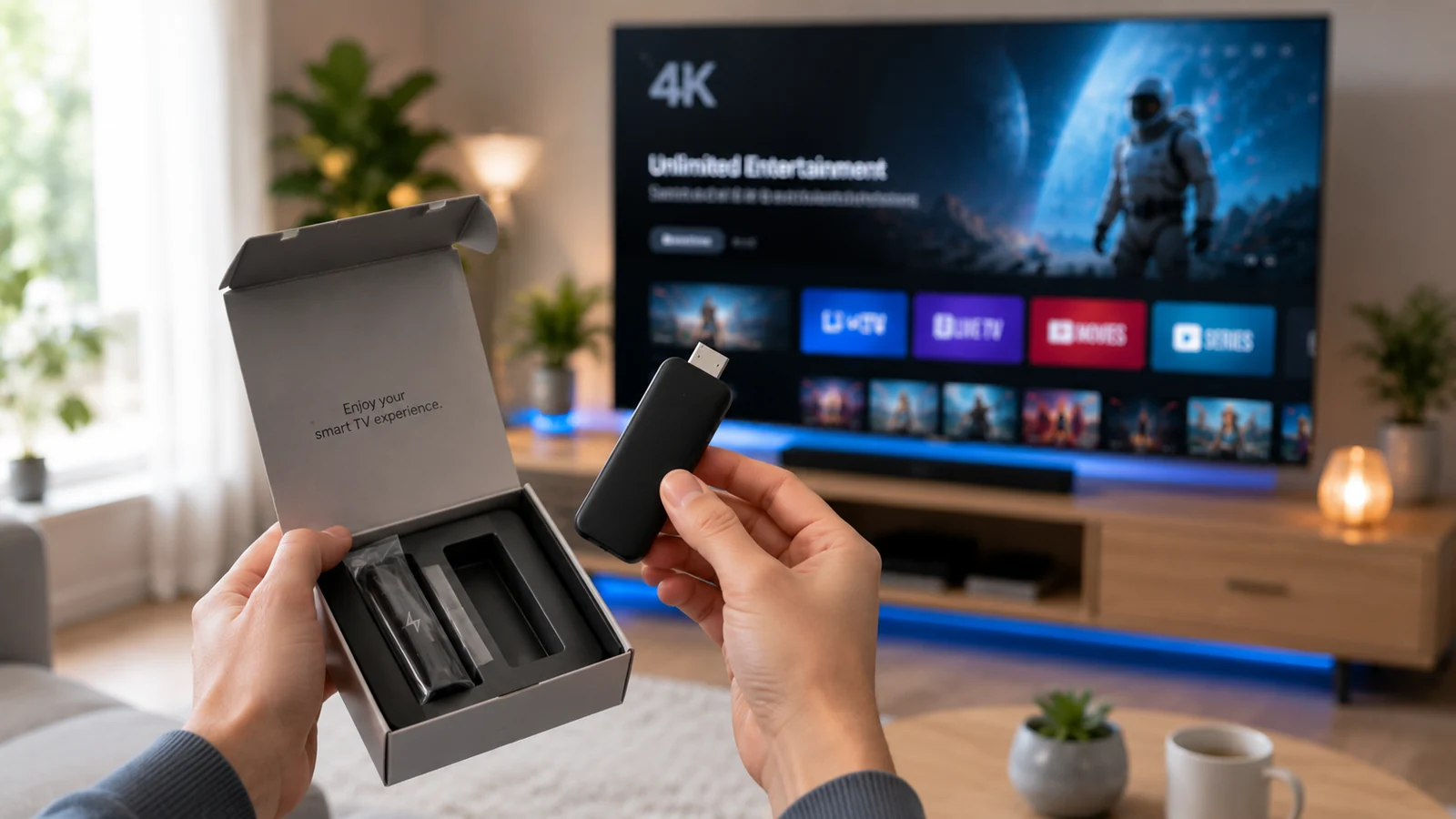
The best IPTV for FireStick pairs a stable, well-stocked subscription with a player app that fits how you actually watch TV. Amazon's stick is the most common streaming device in US homes, and because Fire OS lets you sideload apps in a couple of minutes, it is also the easiest hardware to turn into a full cable replacement. This guide covers what separates a good FireStick IPTV service from a frustrating one, the exact Downloader install process for Watchit, honest comparisons of IPTV Smarters, TiviMate, and XCIPTV, plus fixes for buffering and a cost breakdown against cable.
What Watchit Delivers on a FireStick
Every part of the service is built to run smoothly on Amazon's hardware, from the entry-level Lite to the 4K Max.
22,000+ Live Channels
Sports, news, entertainment, kids, and international categories load through a full EPG guide, so channel surfing on your Fire TV remote feels like cable, only far bigger.
Anti-Freeze Servers
Stream stability matters more on a compact stick than on any other device. Watchit's anti-freeze infrastructure keeps game nights and live events running without mid-play stutters.
80,000+ Movies & Series
The VOD library sits inside the same app as your live channels, so one Downloader install covers both catch-up binging and live television on your stick.
Works With Every Major Player
Your Xtream Codes or M3U credentials load into IPTV Smarters, TiviMate, XCIPTV, or any player you prefer. Switch apps anytime; your subscription follows you.
4K and FHD Streams
Where the source broadcasts in 4K or Full HD, Watchit passes it through. A Fire TV Stick 4K or 4K Max displays those streams at native resolution.
24/7 WhatsApp Support
Stuck on a Downloader code or a login screen at 11 p.m.? Real support staff answer on WhatsApp around the clock and walk you through the fix.
Install Watchit on FireStick in 4 Steps
No technical skills needed. Pick a plan, receive your login credentials by email, and start watching on any device.
Enable app installs from unknown sources
From the Fire TV home screen, open Settings > My Fire TV > Developer Options > Install Unknown Apps, then toggle Downloader on. On newer Fire OS builds, tap About and click the device name 7 times first to reveal Developer Options.
Install Downloader from the Amazon Appstore
Search for Downloader (the orange icon by AFTVnews) in the Appstore and install it. This free utility is how virtually every IPTV player reaches a FireStick.
Sideload your IPTV player
Open Downloader, enter the URL or short code for IPTV Smarters Pro, TiviMate, or XCIPTV, and confirm the APK install when Fire OS prompts you.
Log in with your Watchit credentials
After checkout, Watchit sends your Xtream Codes login (username, password, server URL) instantly. Enter them in the player, wait about a minute for the channel list to sync, and start watching.
Why FireStick Owners Pick Watchit
A FireStick is only as good as the service feeding it. Watchit was tuned for exactly this setup: fast stream starts on modest hardware, credentials that work in any player app, and support that answers when a sideloaded install goes sideways at midnight.
- Plans from $25 for 3 months — less than one week of most cable bills
- Instant credential delivery after payment, so setup finishes the same evening
- EPG guide data that populates correctly in Smarters, TiviMate, and XCIPTV
- Multi-Screen plan covers the FireStick plus two other devices at once
- PayPal, credit card, and crypto accepted at checkout
- 24-hour free trial to stress-test streams on your exact stick and Wi-Fi
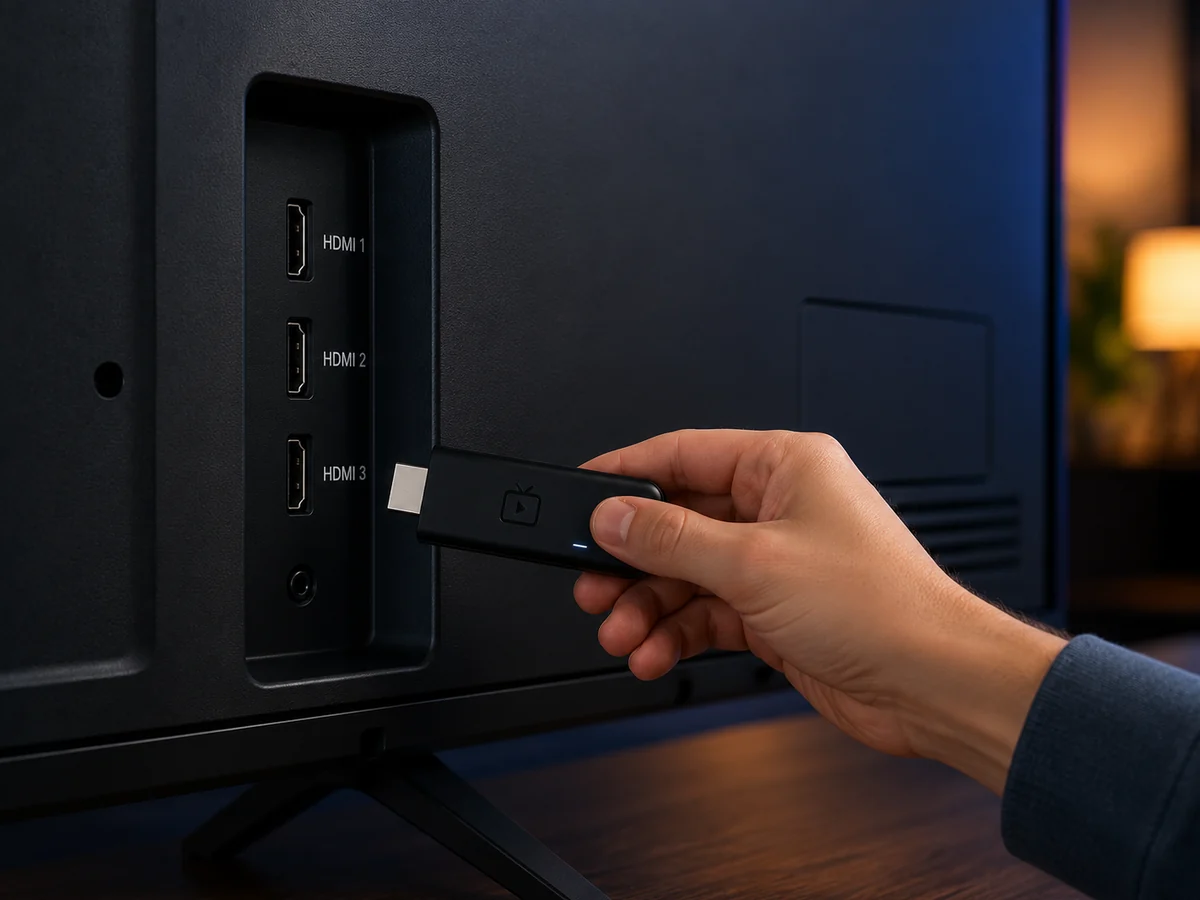
Your FireStick Is 10 Minutes From 22,000+ Channels
The Downloader install above is all that stands between your stick and a full cable replacement. Grab a plan and your login lands in your inbox within minutes.
IPTV Smarters vs TiviMate vs XCIPTV on FireStick
| Features | Feature | IPTV Smarters Pro | TiviMate | XCIPTV |
|---|---|---|---|---|
| Price | Free | Free / Premium ~$10 per year | Free | |
| Login method | Xtream Codes or M3U | M3U or Xtream (playlist-based) | Xtream Codes or M3U | |
| EPG guide layout | Classic grid, solid | Best-in-class grid, fastest scrolling | Clean grid, customizable skins | |
| Multi-playlist support | Yes | Yes (Premium) | Yes | |
| Catch-up & recording | Catch-up where provider supports it | Recording with Premium | Catch-up supported | |
| Remote-friendliness on Fire TV | Good | Excellent, built for TV remotes | Good | |
| Works with Watchit | Yes | Yes | Yes |
Choose Your IPTV Plan
Simple, transparent pricing. Every plan includes the full channel lineup, the VOD library, and 24/7 support. Cancel anytime.
3 Months
The easy way to try premium IPTV without a long commitment.
$45 Save 44%
Get 3 Months- 22,000+ live channels
- 80,000+ movies & series (VOD)
- Full HD and 4K where available
- Works on 1 device at a time
- Anti-freeze servers and EPG guide
- 24/7 support on WhatsApp
6 Months
The balanced pick if you watch TV every day.
$80 Save 44%
Get 6 Months- Everything in the 3-month plan
- Priority anti-buffering streams
- Premium channels in 4K and Full HD
- Works on 1 device at a time
- Free updates and catch-up TV
- Fast 24/7 support
12 Months
The lowest monthly price. Our most popular plan.
$140 Save 50%
Get 12 Months- Everything in the 6-month plan
- The lowest price per month
- 22,000+ channels in 4K/FHD
- Premium anti-freeze network
- Multi-device ready
- VIP priority 24/7 support
Still not sure? Start a free trial before you buy.
Why FireStick Is the Most Popular IPTV Device in the US
Amazon has sold Fire TV devices by the tens of millions in the United States, and the stick format dominates for a simple reason: it costs between $29.99 and $59.99, plugs into any HDMI port, and runs a full Android-based operating system. That last part is what makes it the default IPTV device in American homes. Fire OS allows sideloading — installing apps that are outside the Amazon Appstore — through a built-in developer setting, with a free utility called Downloader handling the transfer. Roku, by contrast, runs a closed system where sideloading full IPTV players is far more restricted, which is why FireStick owners have a much easier path than Roku users setting up IPTV.
There are practical advantages beyond openness. The stick travels: unplug it from the living room, plug it into a hotel or dorm TV, and your entire channel lineup comes with you. The Alexa remote handles guide navigation well once a proper player app is installed. And because the hardware is cheap, households often run one stick per TV rather than renting $10-per-month cable boxes for each room. For a cord-cutter comparing options, the FireStick is the lowest-cost, lowest-friction entry point to live TV streaming that exists in 2026.
What Makes an IPTV Service Good on FireStick (Selection Criteria)
Not every subscription behaves the same once it is running on a $40 stick with 1.5 to 2 GB of RAM. Judge any FireStick IPTV service against five criteria before you pay for a year upfront.
- Server stability under load. A stick has less buffer headroom than a gaming console or smart TV. Services with anti-freeze server architecture recover from network hiccups in a second or two; weaker ones lock the stream and force an app restart.
- Player flexibility. The service should hand you standard Xtream Codes or M3U credentials that work in any app. Providers that lock you into one proprietary app leave you stranded if that app breaks after a Fire OS update.
- Working EPG data. A 22,000-channel list is unusable if the guide shows blank program slots. Test that show titles and times populate during your trial.
- A real trial policy. Legitimate IPTV service providers let you test before paying. A 24-hour trial on your exact stick and Wi-Fi tells you more than any review can.
- Reachable support. Sideloaded setups occasionally need troubleshooting. Support that answers within minutes on WhatsApp beats a ticket queue with a 48-hour turnaround.
Price matters too, but only after these five boxes are checked — a $15-a-year service that buffers every evening costs you more in frustration than it saves.
Watchit: The Best IPTV Subscription for FireStick in 2026
Watchit clears every one of those criteria, which is why it sits at the top of this guide. The service delivers 22,000+ live channels spanning sports, news, movies, entertainment, kids, and international categories, alongside 80,000+ movies and series on demand — all through standard Xtream Codes credentials that drop into whichever player app you prefer on Fire OS. Streams run in 4K and FHD where the source broadcast supports it, and the anti-freeze server network is specifically the kind of infrastructure that keeps a modest stick from choking during a Saturday game window.
The details that matter day-to-day: your login arrives by email within minutes of checkout, so a FireStick sitting on your TV right now can be streaming before dinner. The EPG populates program data correctly in IPTV Smarters, TiviMate, and XCIPTV — tested on Fire OS 8. Standard plans authorize one device at a time, which suits a single main TV; households running a stick in the living room, a bedroom TV, and a tablet should look at the Multi-Screen plan with 3 simultaneous connections. And if anything misbehaves, 24/7 WhatsApp support responds with actual fixes, including screenshots of the exact Fire TV menus to tap. If you want higher-bitrate streams for a 4K Max setup, the premium 4K tier of the catalog is built for exactly that hardware.
How to Install Watchit on Your FireStick (Step-by-Step with Downloader)
The full install takes 8 to 10 minutes on current Fire OS. Follow these steps in order — the sequence matters because Fire OS blocks unknown app installs until you grant permission first.
- Reveal Developer Options if hidden. Go to Settings > My Fire TV > About, highlight your device name, and press Select 7 times. Newer Fire OS versions hide Developer Options until you do this.
- Grant install permission. Head to Settings > My Fire TV > Developer Options > Install Unknown Apps. You will toggle Downloader on here in step 4 — the entry appears once the app is installed.
- Install Downloader. From the home screen, search the Appstore for Downloader by AFTVnews (orange arrow icon) and install it. It is free and takes under a minute.
- Enable Downloader under Install Unknown Apps. Return to Developer Options > Install Unknown Apps and switch Downloader to ON.
- Sideload your player. Open Downloader, enter the official URL for IPTV Smarters Pro, TiviMate, or XCIPTV, then confirm the APK installation when prompted. Delete the APK afterward when Downloader offers — it frees storage the stick needs.
- Log in. Open the player, choose the Xtream Codes API login, and enter the username, password, and server URL from your Watchit welcome email. Channels and the EPG sync within a minute or two.
That is the entire process. Run it first with a 24-hour free trial login so you can verify picture quality and guide data on your own network before spending a dollar.
Best IPTV Player Apps for FireStick (IPTV Smarters, TiviMate, XCIPTV Compared)
One distinction trips up most beginners: IPTV Smarters, TiviMate, and XCIPTV are players, not services. They are empty shells until you load subscription credentials into them — and Watchit works with all three, so you are choosing an interface, not a channel lineup. The comparison table above summarizes features; here is the practical read on each.
IPTV Smarters Pro
The most widely used player and the easiest first install. Xtream Codes login takes 30 seconds, the layout separates Live TV, Movies, and Series cleanly, and catch-up works where the provider enables it. Its guide scrolling is a touch slower than TiviMate on the Lite stick, but on a 4K or 4K Max it feels fluid. Full setup details live in our IPTV Smarters Pro guide.
TiviMate
The enthusiast favorite, designed from the ground up for TV remotes. Its EPG grid is the fastest and most readable of the three, favorites management is excellent, and the Premium upgrade (around $10 per year) unlocks recording and multiple playlists. Worth the small fee if the FireStick is your main TV.
XCIPTV
A solid middle ground with customizable skins and reliable Xtream support. It handles large channel lists gracefully and its built-in player options (ExoPlayer vs VLC engine) help on streams that stutter in other apps. See our full IPTV player breakdown for players beyond these three.
Verified vs Unverified Apps on FireStick: What You Need to Know
Amazon labels apps installed from its own Appstore as verified; anything sideloaded through Downloader is unverified. The terms describe distribution, not quality or safety by themselves. Most dedicated IPTV players are unverified simply because Amazon does not carry them in the US Appstore, so sideloading via Downloader is the standard, widely documented installation route — the same one used for countless non-IPTV Android apps.
That said, the unverified route puts responsibility on you to choose sources carefully. Three rules keep the process clean:
- Download APKs only from the developer's official site. Repackaged APKs from random blogs are the main malware vector on Fire OS. Downloader itself is safe; what you type into it determines the risk.
- Skip free hacked services entirely. Apps promising thousands of channels for nothing monetize you through injected ads, credential harvesting, or streams that die on the first big event night. A legitimate paid provider with a real trial and refund policy is a different category of product.
- Understand what you are buying. Watchit is a paid subscription service — you get accountable support, a refund policy, and infrastructure that someone maintains, which no anonymous free APK offers.
Fire OS will show a standard warning when installing any unverified app. That prompt is informational; approving it for a reputable player you downloaded from the official source is how millions of FireStick setups work.
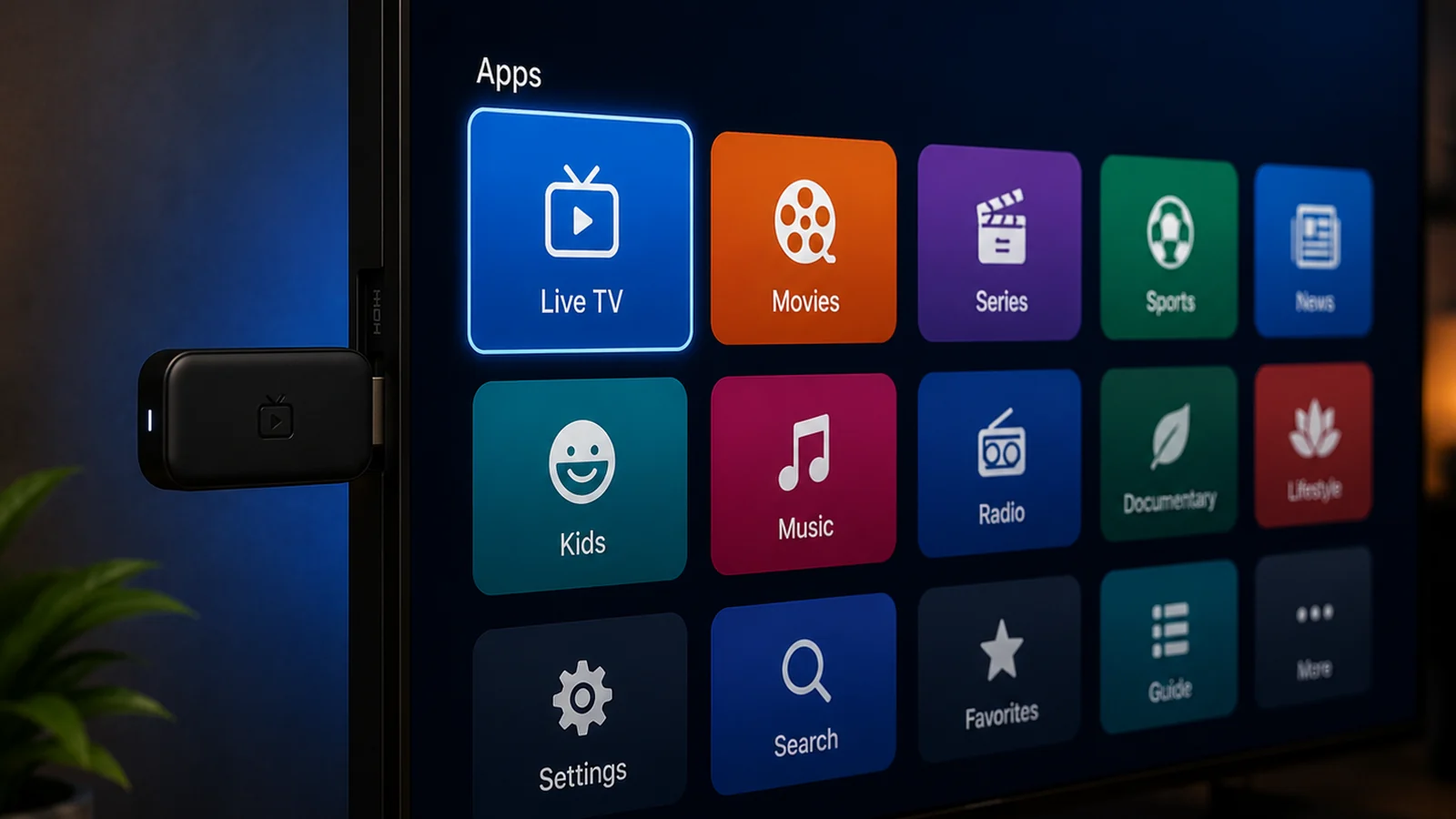
How to Fix Buffering and Freezing on FireStick IPTV
Buffering on a FireStick almost always traces to one of four causes, and each has a concrete fix. Work through them in this order.
- Wi-Fi signal, the top culprit. A stick tucked behind a wall-mounted TV sits in a dead zone of its own making. Use the included HDMI extender cable to move it away from the TV chassis, connect to your router's 5 GHz band, and aim for 25 Mbps or better for FHD, 40+ Mbps for 4K. For a stick that stays put, a $15 to $20 USB-to-Ethernet adapter eliminates Wi-Fi variability entirely.
- Full storage and cached junk. Fire Sticks ship with 8 to 16 GB and slow down badly past 80 percent full. Go to Settings > Applications > Manage Installed Applications, clear the cache on your IPTV player, and uninstall apps you never open.
- Background processes. Fire OS keeps recently used apps alive. Restart the stick weekly (Settings > My Fire TV > Restart) — this single habit fixes a surprising share of evening slowdowns.
- ISP traffic shaping. Some US providers throttle sustained video streams during peak hours. If speeds test fine but IPTV stutters only at night, routing through a VPN built for IPTV often restores full-rate streaming.
If problems persist after all four, switch the player's decoder (ExoPlayer to VLC engine or vice versa in XCIPTV and Smarters) and message Watchit support on WhatsApp — server-side stream swaps resolve edge cases the device cannot.
FireStick 4K, 4K Max, and Lite: Which Model Handles IPTV Best?
All current Fire TV Stick models run IPTV, but they do not run it equally well. Here is how the 2026 lineup stacks up for live streaming specifically.
| Model | Typical Price | Max Resolution | RAM | Wi-Fi | IPTV Verdict |
|---|---|---|---|---|---|
| Fire TV Stick Lite | $29.99 | 1080p | 1 GB | Wi-Fi 5 | Works for FHD; expect slower guide scrolling on large channel lists |
| Fire TV Stick HD | $34.99 | 1080p | 1 GB | Wi-Fi 5 | Same story as the Lite with TV controls added |
| Fire TV Stick 4K | $49.99 | 4K HDR | 2 GB | Wi-Fi 6 | The sweet spot: smooth EPG, fast stream starts, handles 4K sources |
| Fire TV Stick 4K Max | $59.99 | 4K HDR | 2 GB | Wi-Fi 6E | Best of the sticks: quickest app switching and the most stable on busy networks |
The practical guidance: if you are buying new for IPTV, spend the extra $20 over the Lite and get the 4K model at minimum. The doubled RAM is what keeps a 22,000-channel guide responsive, and Wi-Fi 6 handles congested apartment networks far better. The 4K Max earns its premium in homes with many connected devices, since Wi-Fi 6E moves it onto the less crowded 6 GHz band. Owners of older sticks (2nd Gen and earlier) should consider whether a dedicated Android IPTV box with Ethernet makes more sense than replacing one stick with another.
IPTV on FireStick vs Cable: Cost Comparison for US Households
The average US cable bill runs roughly $85 to $120 per month once broadcast fees, regional sports fees, and box rentals are added — call it about $1,200 per year for a typical household, before premium add-ons. Here is what the same year looks like with a FireStick and Watchit.
| Cost Item | Cable (Typical Year) | FireStick + Watchit (Year 1) |
|---|---|---|
| Service subscription | ~$1,020-$1,440 | $70 (12-month plan) |
| Equipment | ~$120 box rental (per TV) | $49.99 one-time (Fire TV Stick 4K, yours to keep) |
| Installation | $0-$100 technician visit | $0 — self-setup in 10 minutes |
| Contract | Often 12-24 months with early termination fees | Prepaid term, then your choice |
| Year total | ~$1,140-$1,660 | ~$120 |
Even adding TiviMate Premium ($10 per year) and an Ethernet adapter ($20), the first-year total stays under $150 — roughly a tenth of a mid-range cable package. The channel count comparison is just as lopsided: cable tiers in that price range typically carry 125 to 250 channels, while Watchit delivers 22,000+ live channels plus an 80,000-title VOD library. Second and third TVs widen the gap further, since each cable box adds monthly rent while a Multi-Screen plan covers three devices for $140 flat per year. For a full breakdown of what each term length costs, see the plan and pricing comparison.
Away from the living room, the same subscription runs on a laptop — the Windows guide explains how.
Watchit Plans and Pricing for FireStick Users
Watchit keeps pricing flat and simple — four plans, each including the full 22,000+ channel lineup, the complete VOD library, EPG guide data, anti-freeze servers, and 24/7 WhatsApp support. There are no tiers that gate sports or 4K behind an upcharge.
- 3 months — $25. The sensible starting point after your trial: long enough to judge the service through a full sports season stretch, short enough that you are never locked in. Works out to $8.33 per month.
- 6 months — $45. Drops the effective rate to $7.50 per month. The most popular pick for households easing off a cable contract that has not expired yet.
- 12 months — $70. The best value per month at $5.83. If the 24-hour trial ran clean on your stick, this is the plan the math favors.
- Multi-Screen — $140 for 12 months. Three simultaneous connections under one account. Standard plans authorize one device at a time, so this is the plan for a FireStick in the living room plus a bedroom TV and a phone or tablet streaming at once.
Checkout accepts PayPal, credit card, and crypto, and credentials arrive by email within minutes — fast enough to go from payment to live channels on your FireStick in the same sitting. If you decide the service is a fit, buy your IPTV subscription here and have your Downloader-installed player ready for the login.
Test It on Your Own Stick Before You Pay
Specs and screenshots only prove so much. Run Watchit through a real evening on your FireStick and your Wi-Fi — the 24-hour trial exists exactly for that.
Frequently Asked Questions
Everything you need to know before you subscribe. Still have questions? Our support team is available 24/7.
Related IPTV guides and plans
Start Your 24-Hour Free Trial on FireStick Today
Install Downloader, load your trial credentials, and judge the streams yourself tonight. If it earns a spot on your stick, plans start at $25 for 3 months — with 24/7 WhatsApp support behind every one.